Features
From product page to finished video
What Shotcutz does at each step, and which plans include it.
Reads the whole page
It finds the product name, model, key features, spec tables and every image, including the B+ and A+ banners that load further down. Pages built with JavaScript open in a browser first, so their images load too.
Included in every plan.
- Skips images under 450 px, logos, icons and payment badges
- Removes near-duplicates and keeps up to 14 images
- Ignores offers, EMI and warranty lists
- Reads public pages only
Writes a script that fits the images
The AI looks at the product details and each image together. It chooses the right image for every feature, writes one line for each scene, and warns you when the page and the images disagree.
Included in every plan. Correcting warnings is on Enterprise.
Voices
Voices for Indian shoppers
Starter and Growth use 14 standard voices. Enterprise adds Sarvam's natural Indian-accent voices.
Standard voices, every plan
| Language | Female | Male |
|---|---|---|
| English | Aria, Bella, Nicole, Emma (UK), Isabella (UK) | Michael, Adam, Fenrir, George (UK), Lewis (UK) |
| Hindi | Anaya, Kavya | Arjun, Rohan |
Sarvam voices, Enterprise
| Language | Female | Male |
|---|---|---|
| English, Indian accent | Simran, Ishita, Sanchita, Shalini, Ritu | Shubh, Varun, Dev |
| Hindi | Priya, Simran, Kavya, Ritu, Neha | Shubh, Aditya, Rahul, Varun, Amit |
Edit every scene on Enterprise
Change a voiceover line or caption, replace an image, reorder scenes, switch the voice, then render again. You can check the images before the script is written, or start from your own images with no product link.
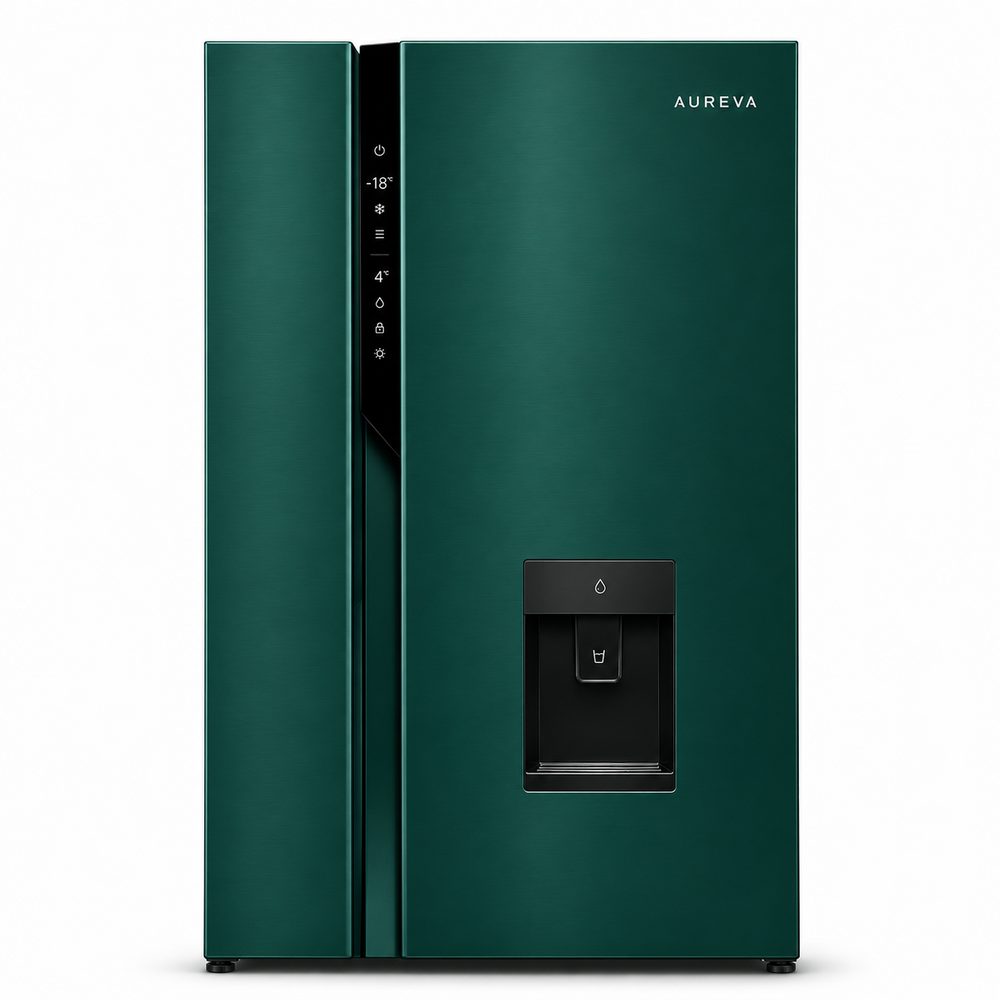
Meet the Aureva side-by-side refrigerator.
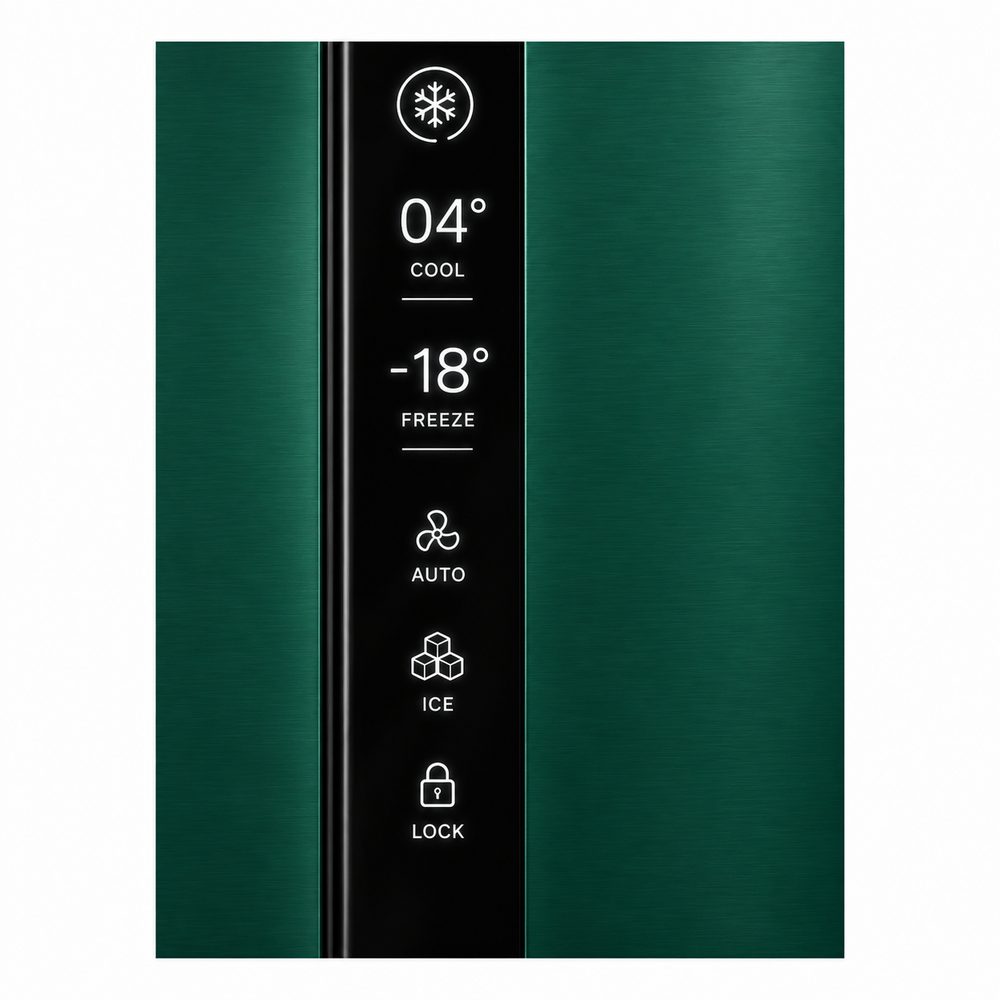
Cool, freeze, auto, ice and lock are all on one clear panel.
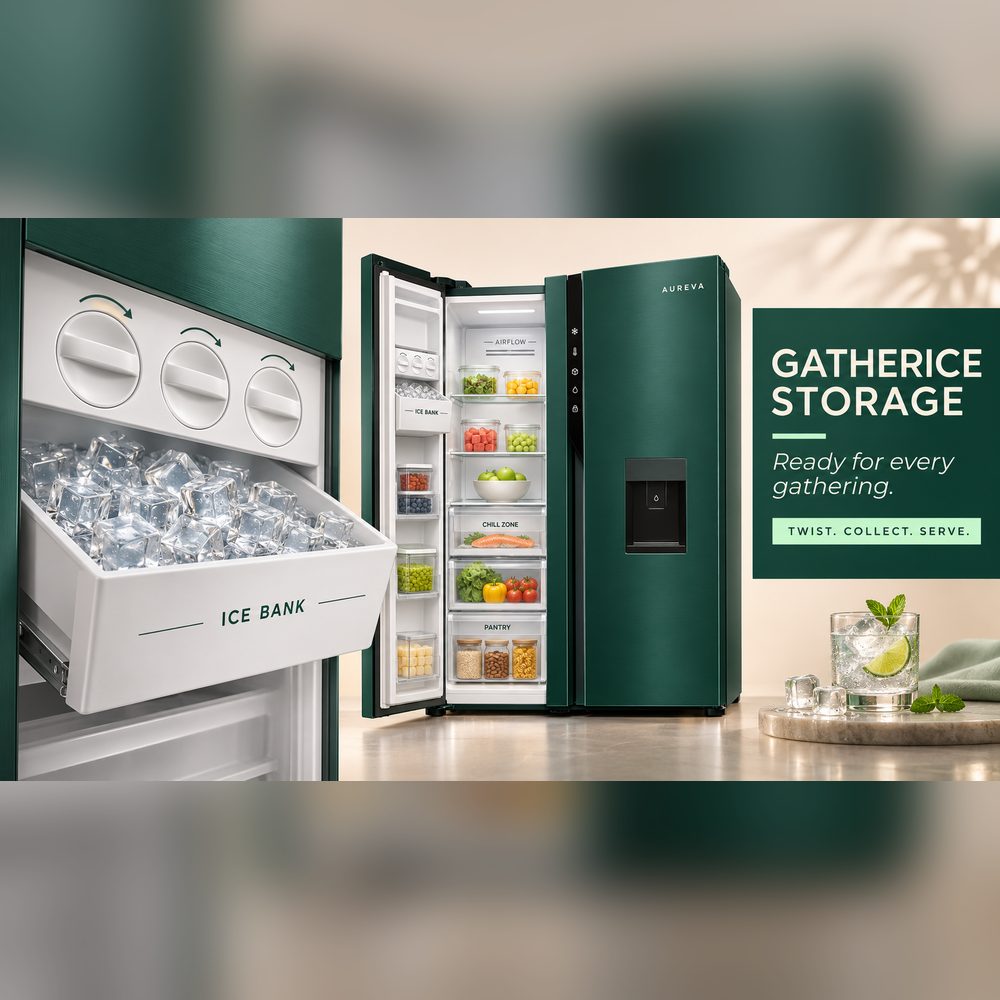
Gather Ice storage means you are ready for every gathering.